julianna kunstler

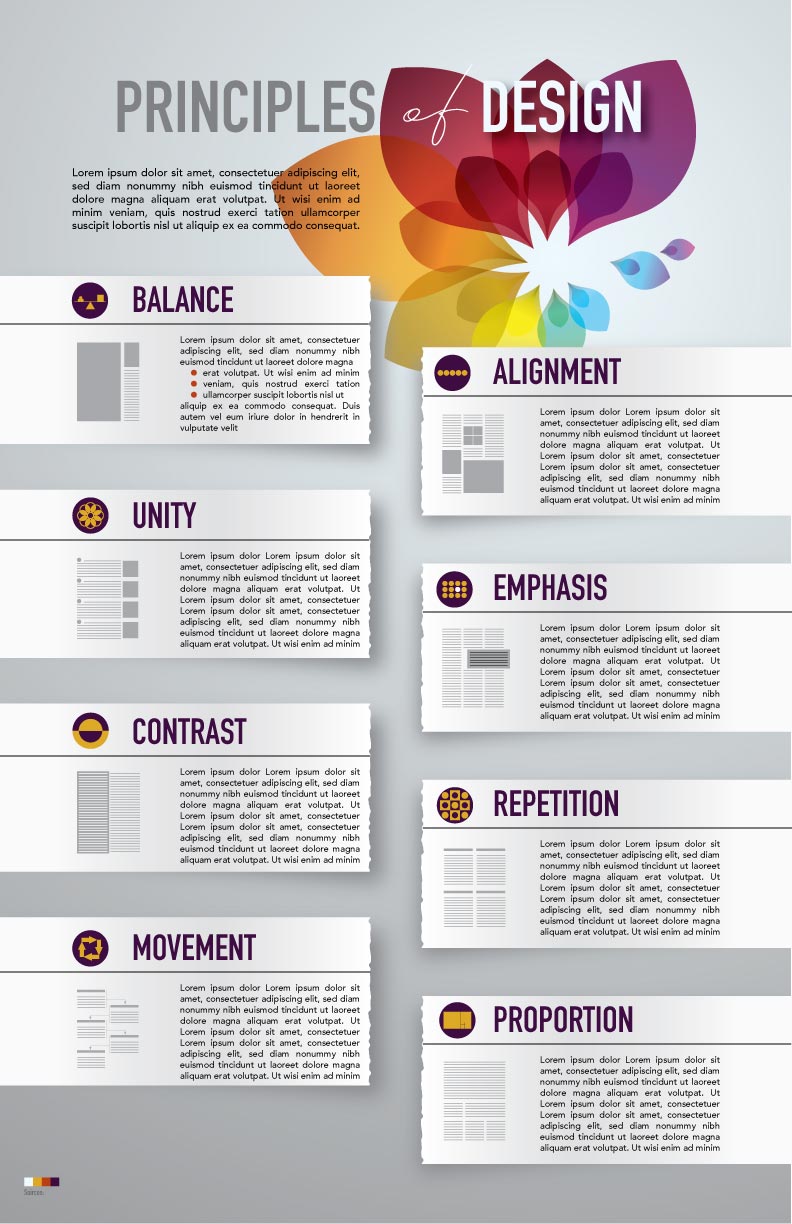
Infographic: Principles of Design

© JuliannaKunstler.com

WI State Standards:

  • AA Cr10h
    Investigate: Engage in critical thinking, problem solving, and research through elements and principles of art and design studio practices and processes.
    (aesthetics / problem solving)
  • AA Cr12h
    Make: Create works of art that introduce students to media, care of tools, and basic craftsmanship skills.
    (skills)
  • AA Pr10h
    Develop meaning: Create s body of work incorporating personal, historical, and contemporary art to communicate one or more points of view.
    (aesthetics / communication)

Learning objectives

  • graphic problem solving
  • creative project: planning and executing
  • communicating ideas and concepts
  • create a flow in layout
  • learn about Design Principles

Utilize all Elements of Design to create Principles of Design infographic.

  • Use lines to separate, emphasize, group, or guide. Use any type or style of lines. Be consistent.
  • Use shapes (graphic elements, underlays, text blocks, image frames, etc.) to balance the layout, to emphasize, illustrate, and support a grid structure (alignments).
  • Use values for balance, hierarchy (e.g. headers vs. body text), and 3D effect (shadows, etc.).
  • Use a specific color scheme (3-4 colors).
  • Experiment with texture and typography – choose appropriate typefaces for all text areas (2-3 fonts).
  • Leave enough white space for user-friendly look. Experiment with depth and positive/negative space.

Other requirements:

  • Infographic should be informative! Correct spelling!!!
  • The design should be consistent – all graphics should be in the same style
  • There should be an easy flow from one topic to another
  • Balanced composition
  • Alignment!!!!!!
  • Content is informative
  • Easy to read and follow
  • Include sources (give credit!)

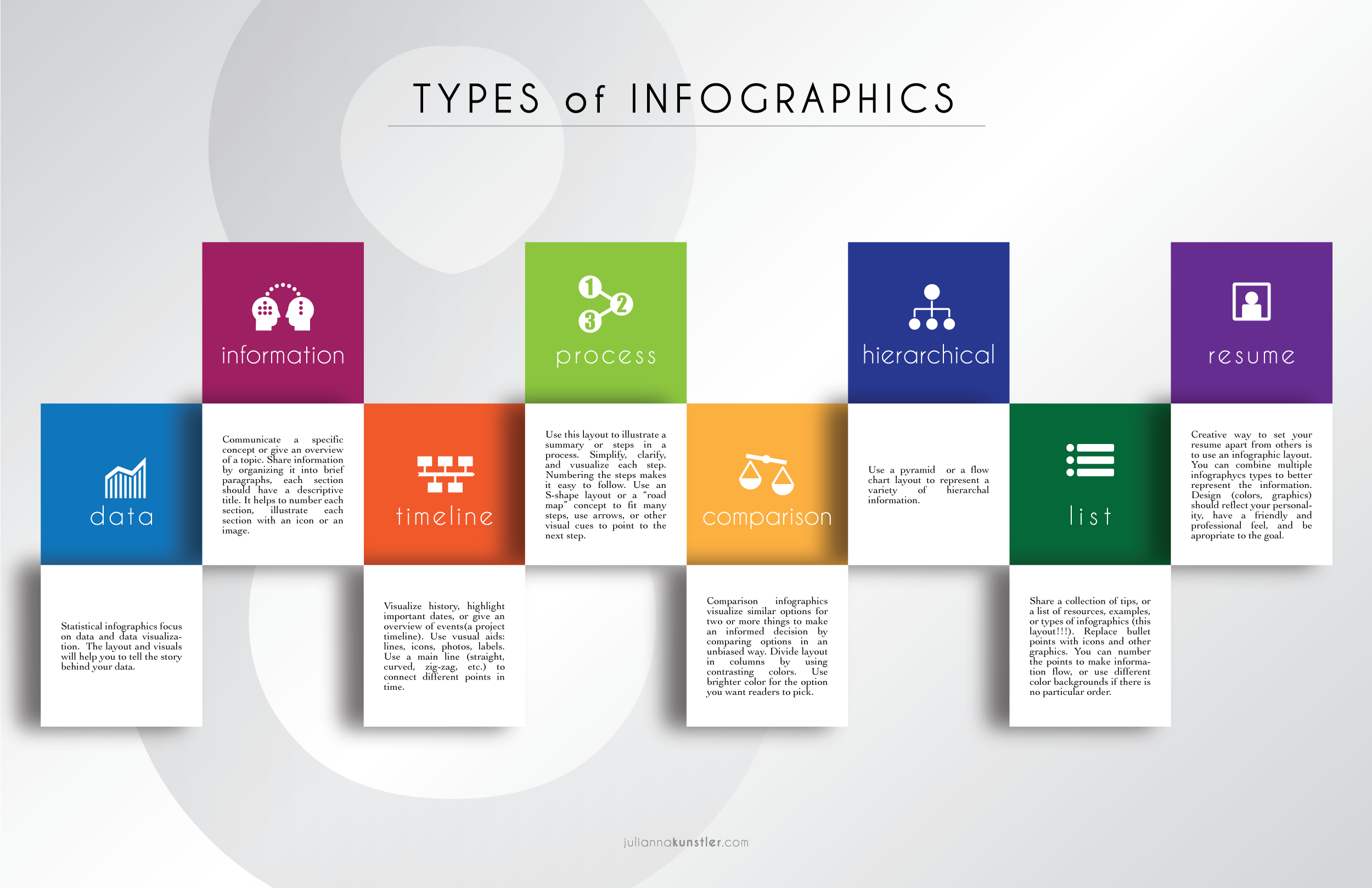
types of infographics

Start with choosing a type of infographic layout:

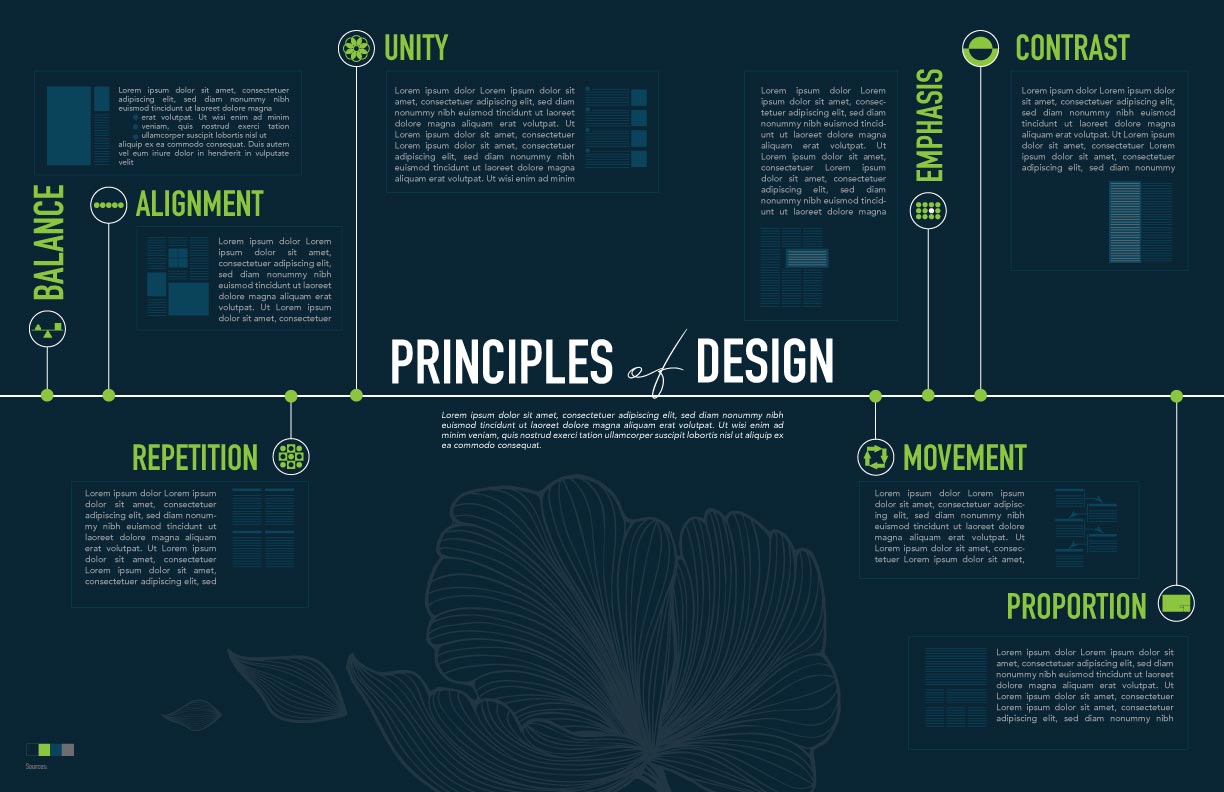
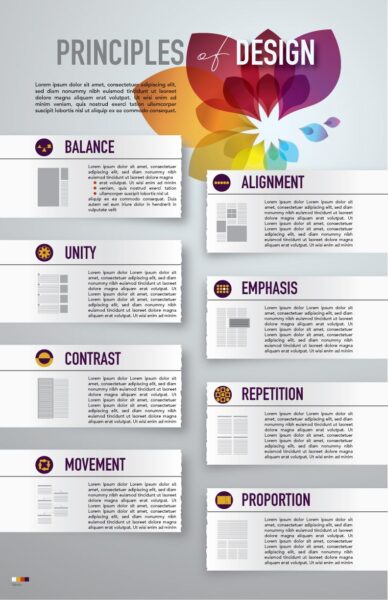
Principles of Design

examples:

STEPS

Do a research.

Find and analyze information about each principle.

Create or find examples of how each principle is used in Graphic Design..

Sketch out the layout.

Explore infographics images for inspiration.
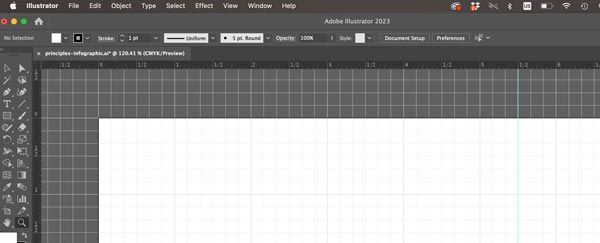
Create a new file in Adobe Illustrator:

11×17 or 17×11 inches – based on your layout.

Preferences > Guides & Grid > Gridline: every 1 in. Subdivision: 6

(Remember: There are 6 picas in 1 inch)

Use grid and guides to designate areas for each topic.

View > Show Grid

View > Rulers > Show Rulers

View > Snap to Grid

Drag a guide to divide the document in half.
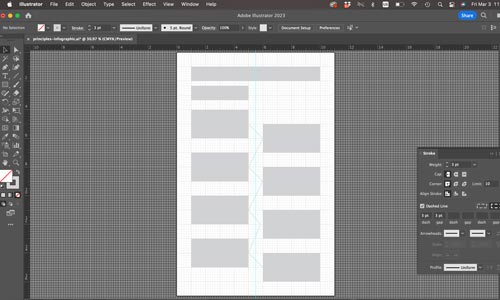
Create a layout template to designate space for each element.

Lock the layer.
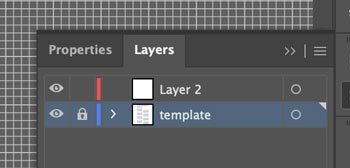
Create a new layer for your layout elements.
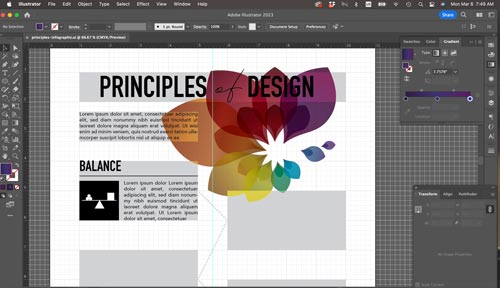
Add placeholder text areas.

Experiment with typography for both: headers and body.

Body text should be no more than size 11.
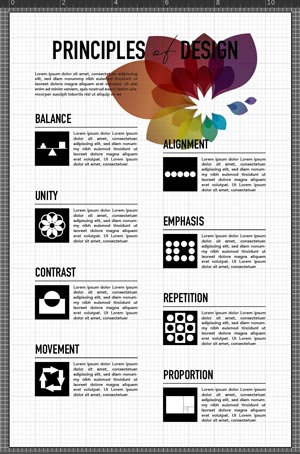
Start working on add-on graphics.

All graphics should be done in a same style and look consistent.

Experiment with additional graphics to emphasize each Principle of Design.

Use shapes or lines to group information of each Principle.
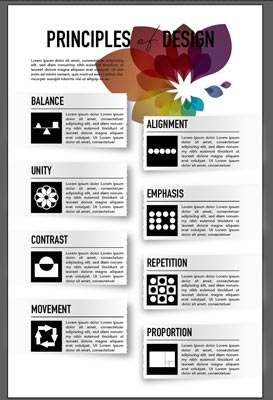
Hide the grid and the template layer to preview your progress.

Pick a color scheme.

Create 3-4 swatches to use.

(I used tetradic/rectangle color scheme).

Colors should not compete for attention or clash. Use different values and saturation settings.

Try changing colors of headers, graphics, background, and body text.

Consider using gradients.

Experiment with colors until you are happy with the way they look.
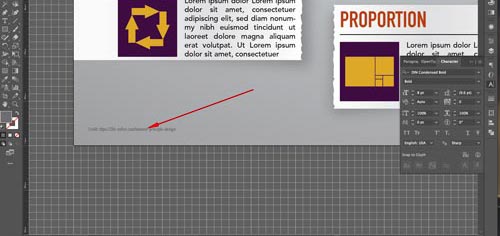
Do not forget to give credit to your information source.

All graphics should be using the same color scheme.

Continue experimenting with graphics.

Add visual examples of each Principle use, make icons for the principle.

Resize and place your color swatches next to the Credits line.

Copyright © 2008–2026 Julianna Kunstler