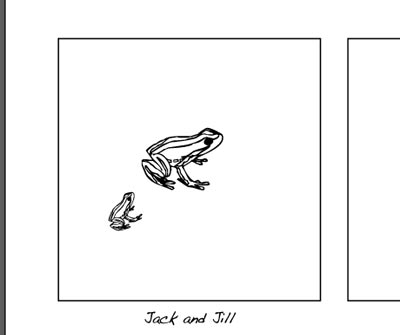
Jack & Jill

dingbats
based on "Visual Literacy" by Wilde and Wilde
WI State Standards:
- AA Cr10h
Investigate: Engage in critical thinking, problem solving, and research through elements and principles of art and design studio practices and processes.
(aesthetics / problem solving) - AA Cr12h
Make: Create works of art that introduce students to media, care of tools, and basic craftsmanship skills.
(skills) - AA Pr10h
Develop meaning: Create s body of work incorporating personal, historical, and contemporary art to communicate one or morepoints of view.
(aesthetics / communication)
Learning objectives
- graphic problem solving
- creative project: planning and executing
- communicating ideas and concepts
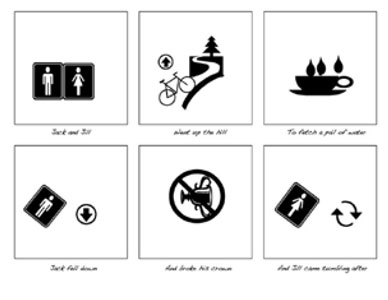
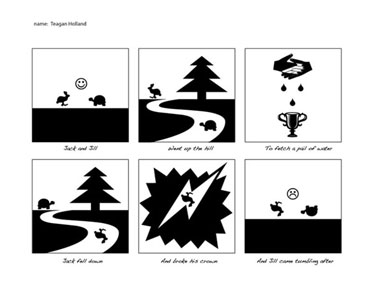
Jack and Jill
Went up the hill
To fetch a pail of water
Jack fell down
And broke his crown
And Jill came tumbling after
examples


ASSIGNMENT DETAILS
You are going to use visual symbols to replace phrases of a nursery rhyme. Think outside the box – focus on conveying the message of each phrase. You will have a limited number of symbols to work with – be creative with them.
Download and open the work file in Adobe Illustrator.

These are the symbols you can use for this assignment.
Execute your solutions in black and white, unless your concept dictates otherwise.
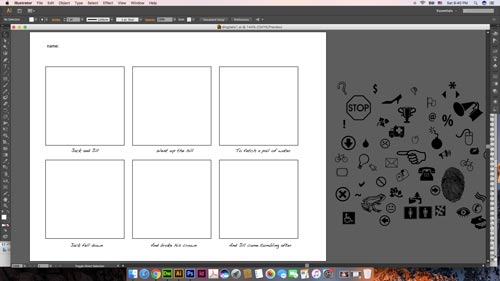
In the six areas, create visual equivalents for each part of the nursery rhyme “Jack and Jill” by using the dingbats and/or punctuation marks given in the file.
The symbols you can use are located to the right of the Art board.
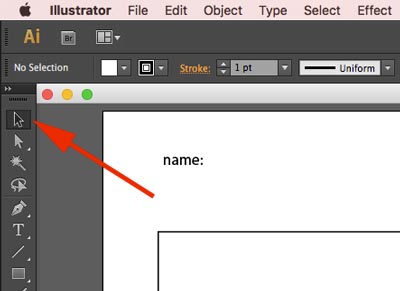
The only tool you will need for this assignment is the Selection tool (Black arrow).

You won’t need anything else.
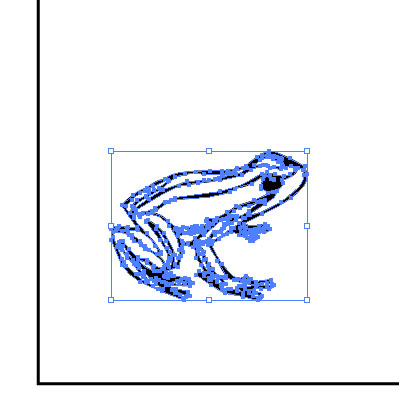
You can copy, resize, overlap, and rotate the symbols.
You need to select (click on) the symbol to edit it.
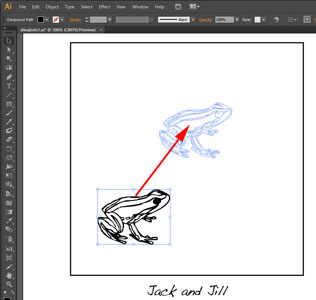
To duplicate a symbol:
* Select it
* Alt (Option) drag it.
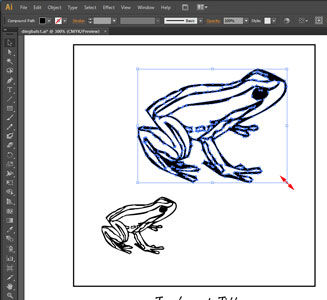
When resizing a symbol – hold SHIFT key to constrain proportions.
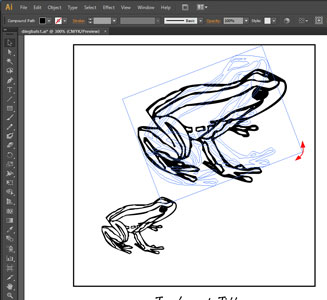
Rotate a symbol by placing the cursor at the corner of the bounding box.