


Textured Space

distort filters
WI State Standards:
- AA Cr10h
Investigate: Engage in critical thinking, problem solving, and research through elements and principles of art and design studio practices and processes.
(aesthetics / problem solving) - AA Cr12h
Make: Create works of art that introduce students to media, care of tools, and basic craftsmanship skills.
(skills) - AA Pr10h
Develop meaning: Create s body of work incorporating personal, historical, and contemporary art to communicate one or morepoints of view.
(aesthetics / communication)
Learning objectives
- creative project: planning and executing
- using distort filters
- manipulating values
- texture wrapping
Download an image of a design, a pattern, or a texture.
You will use it as a "base" image.
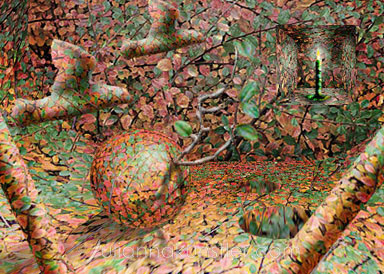
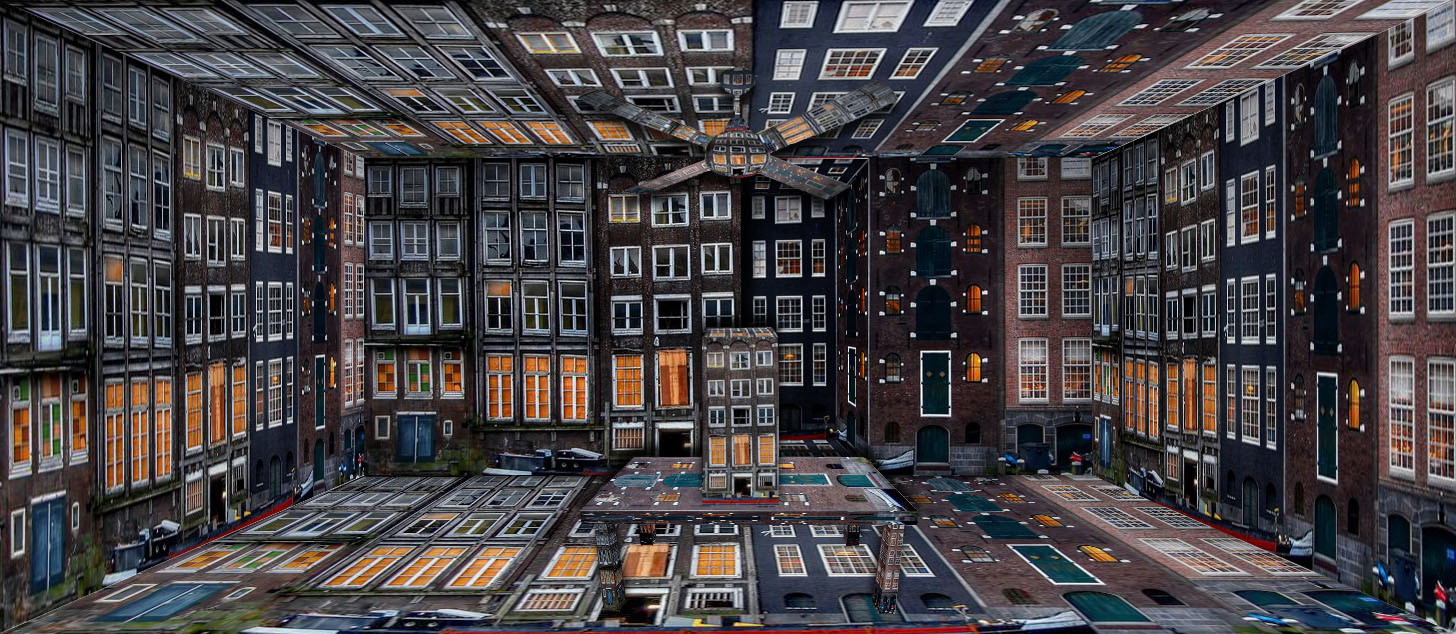
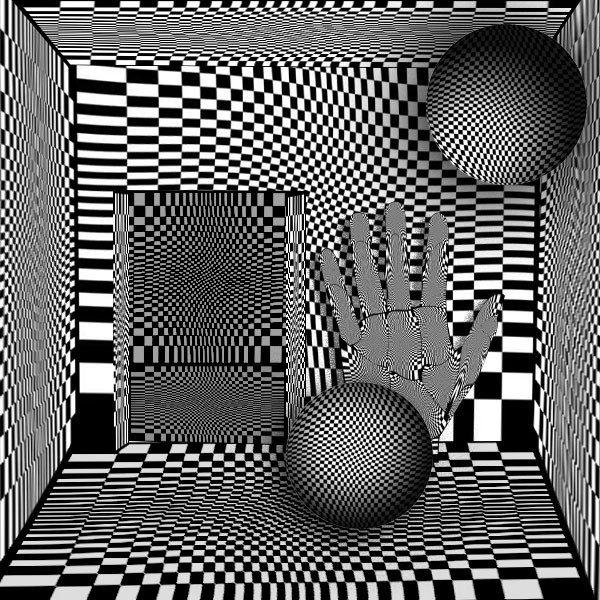
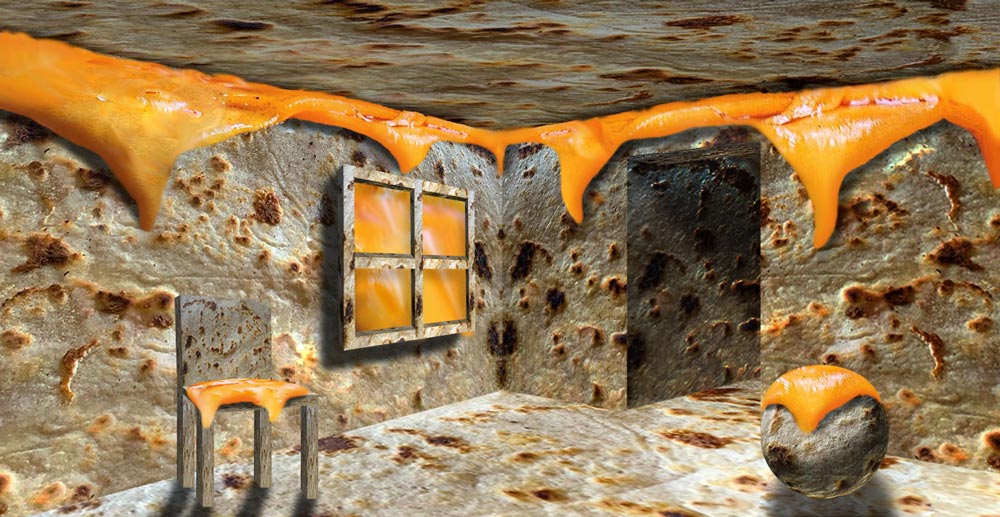
Create a space where everything will be made with your chosen pattern. That means you will need to apply this very texture to every object in your composition.
examples


STEPS
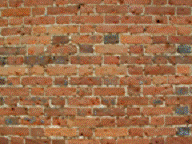
Start with your pattern image and create an environment or "room" out of it.
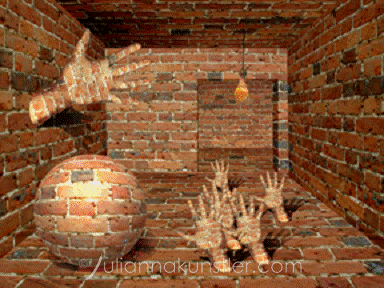
Copy the main layer several times and use Edit>Transform>Distort command to make it look like inside a box.
Keep the original layer in case you need it.
Required add-ons:
- doorways,
- windows,
- niches,
- columns or other architectural elements.
Make sure to add depth to them, including shadows.
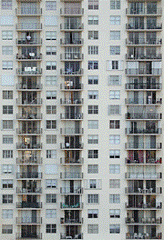

You will be using a lot of Transform>Distort and >Perspective commands.
To add different values to your "walls" – use Levels (midtones)
Use Burn/Dodge tools for shadows and highlights on the objects.
Look for more images to use as "objects" to fill your space
Use Displace filters (spherize, displace, etc.), lighting effects, brightness control (use adjustment layer), Free transform, Warp, Liquify filter, Distort command and everything else you’ve learned so far in this class to create a surrealistic image where everything is made out of your pattern.
If you forgot how to use these filters – check the instructions for the previous projects