AP: sustained investigation
Key Components of the Sustained Investigation:
Guiding Question: The entire body of work must be driven by a specific, inquiry-based question that evolves over time.
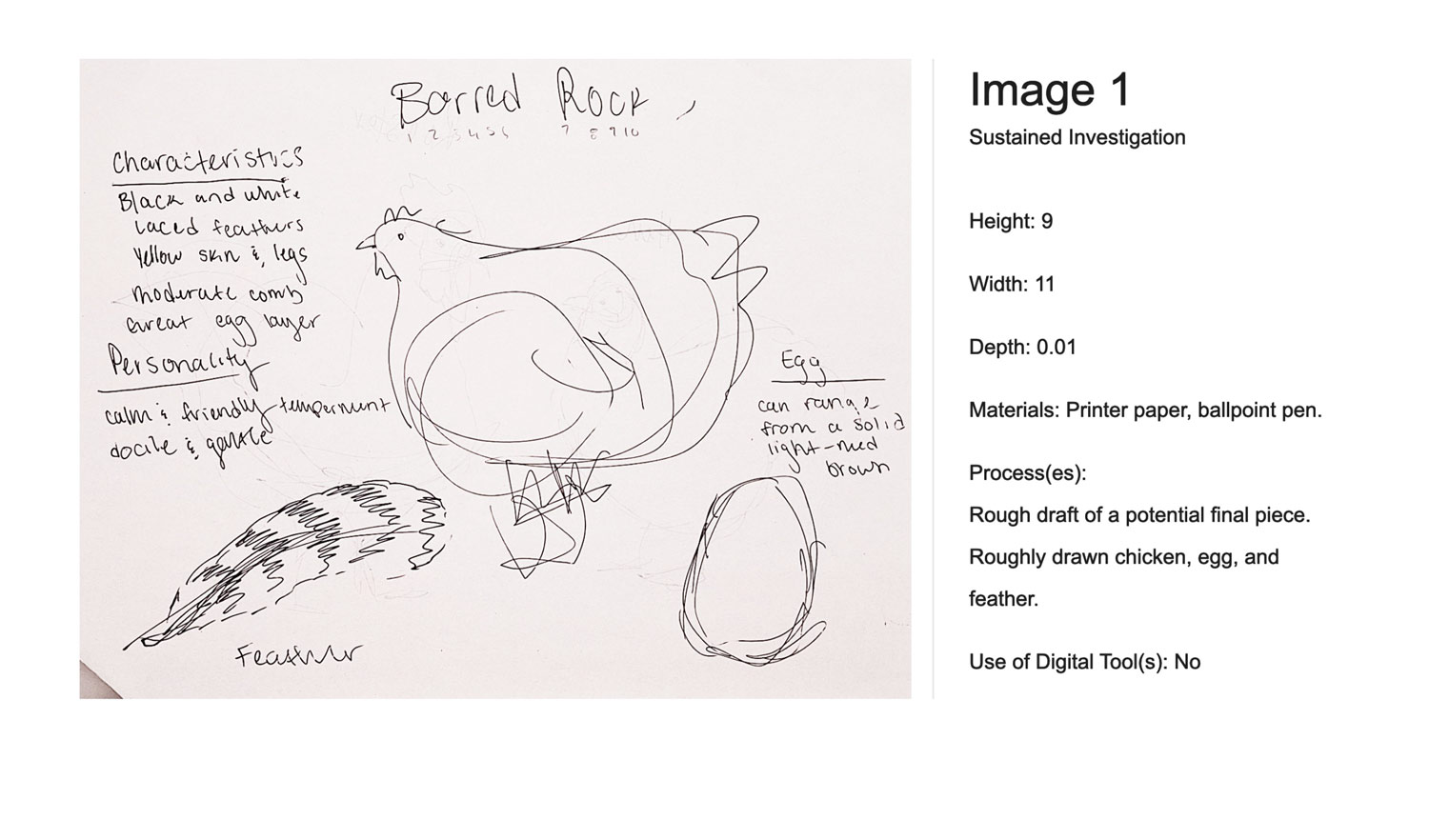
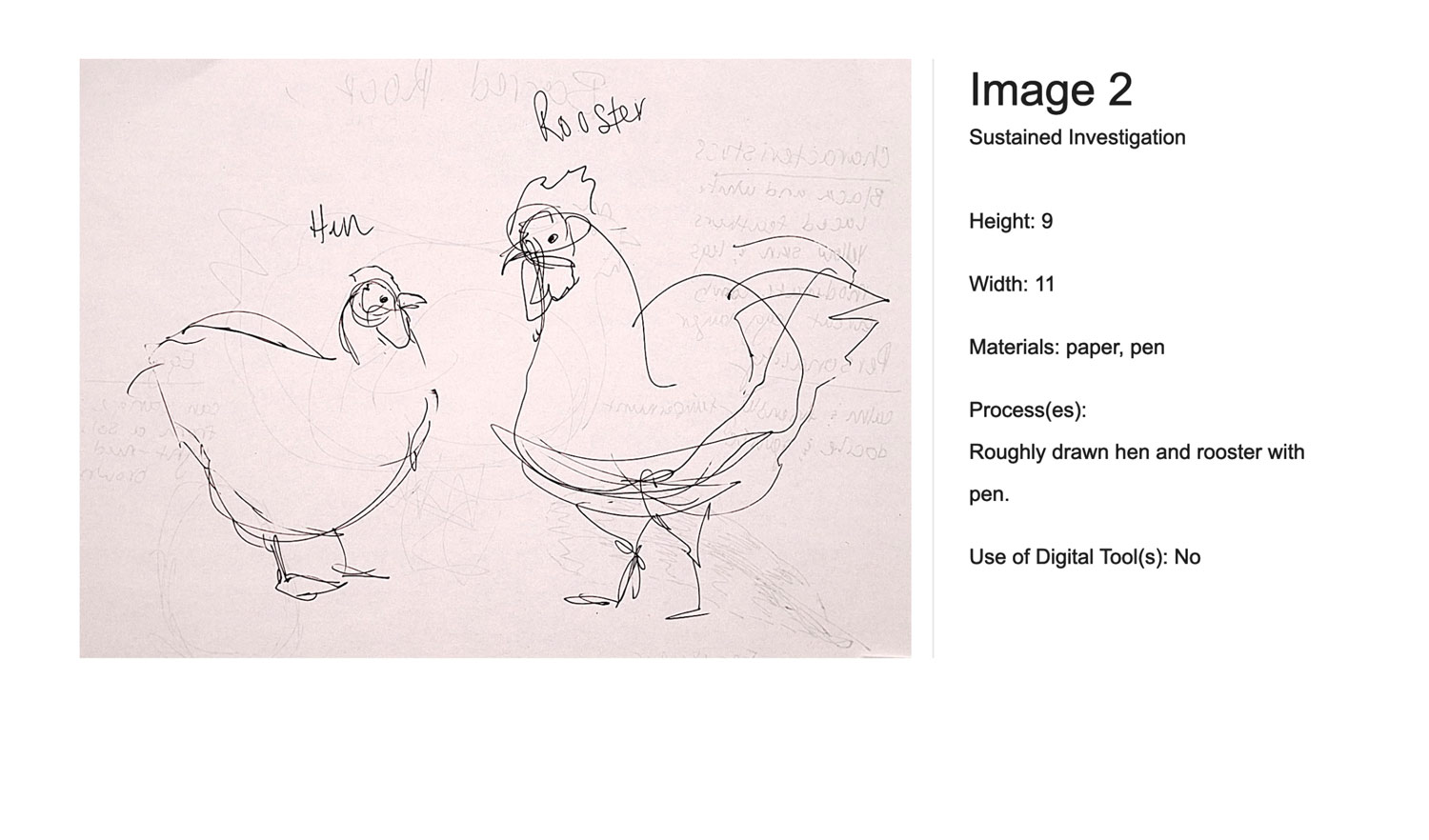
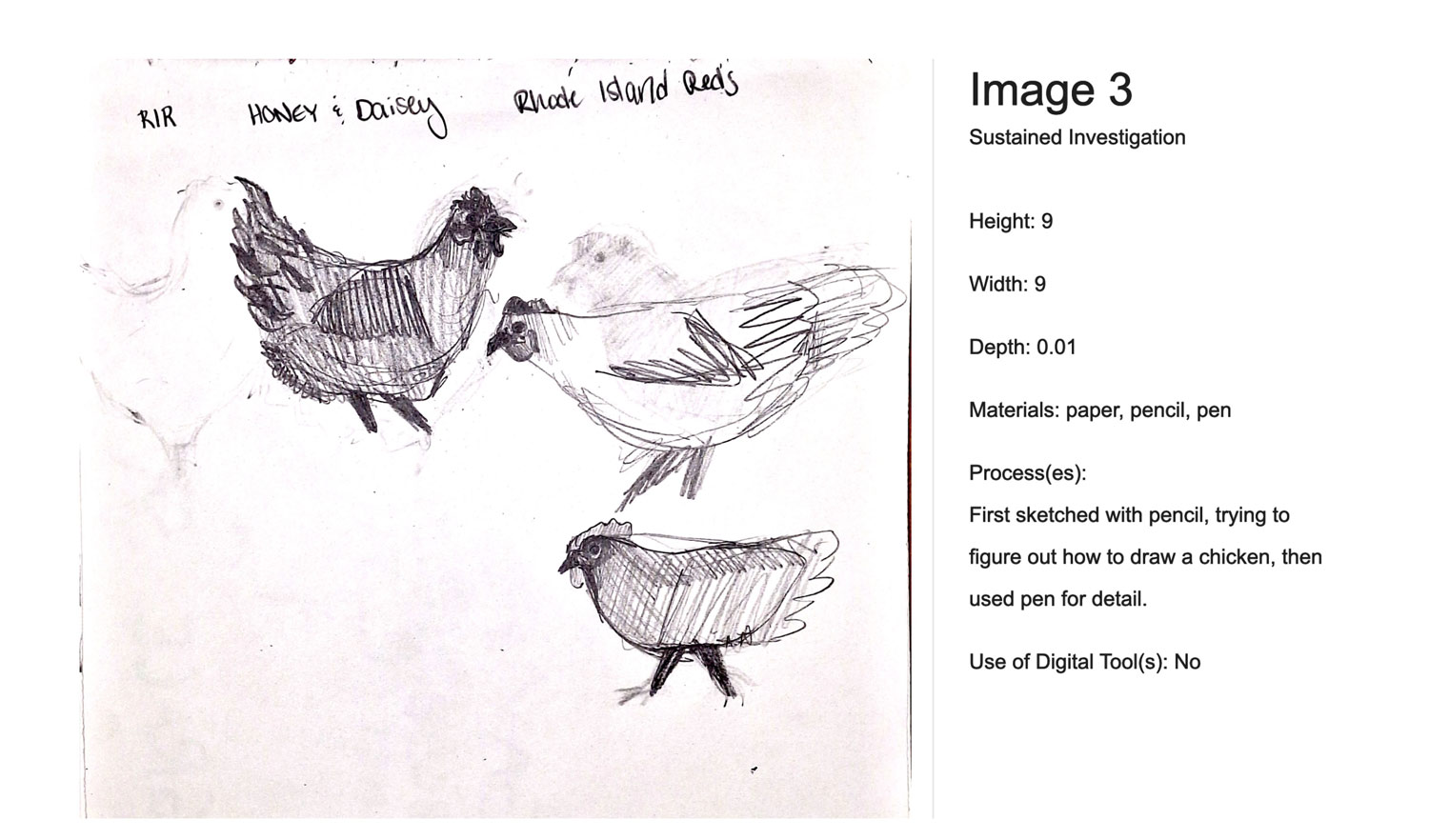
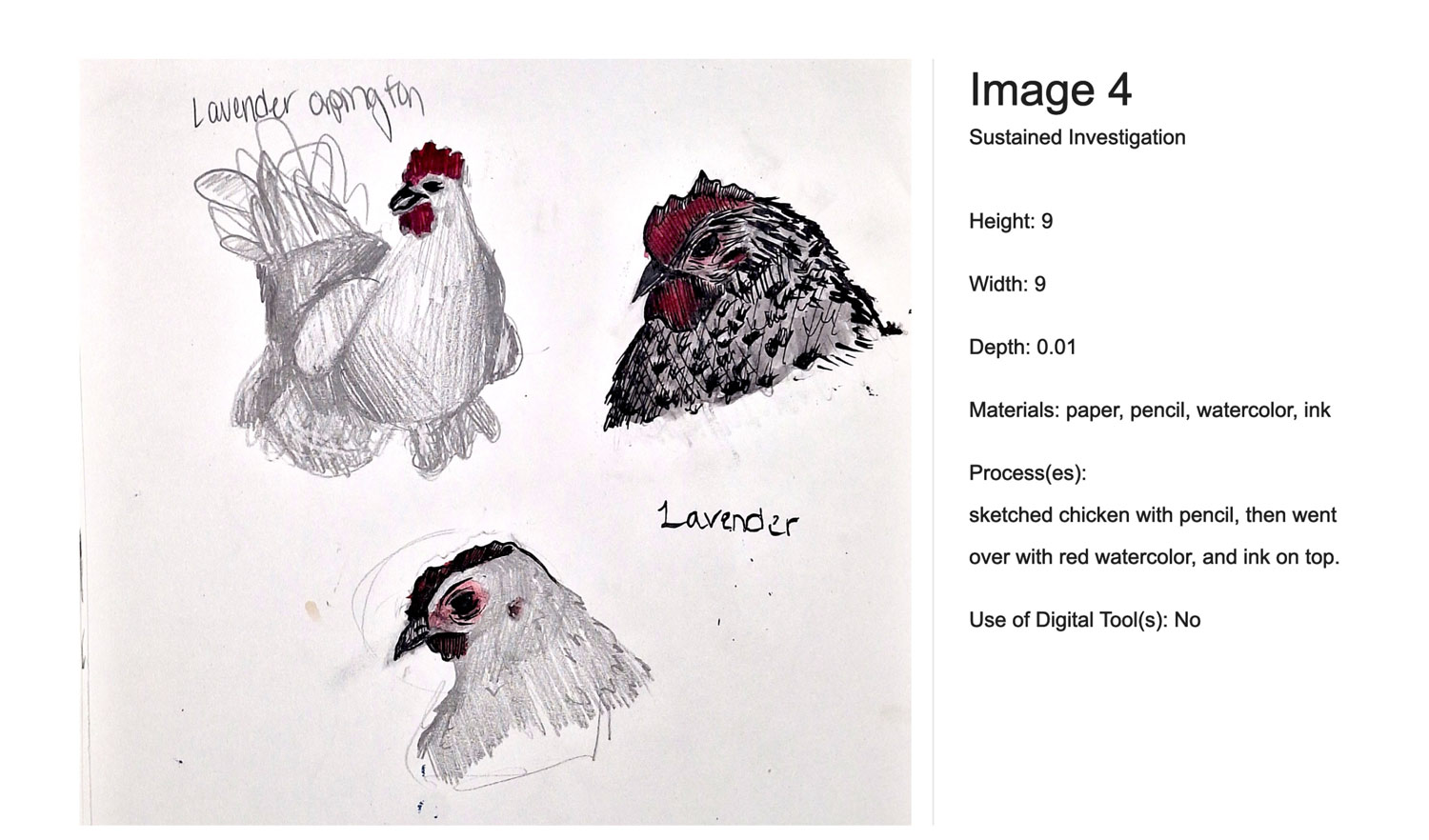
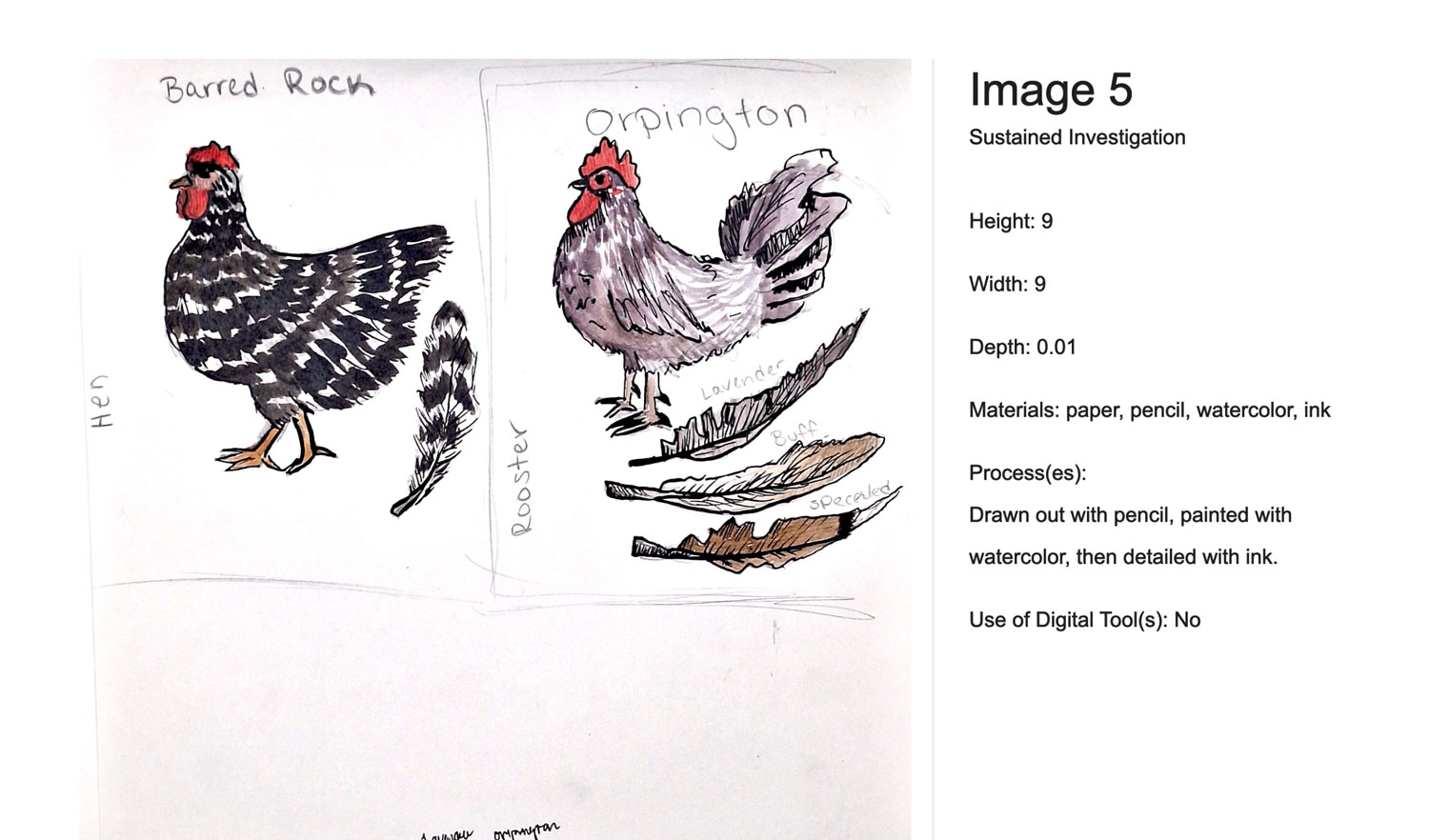
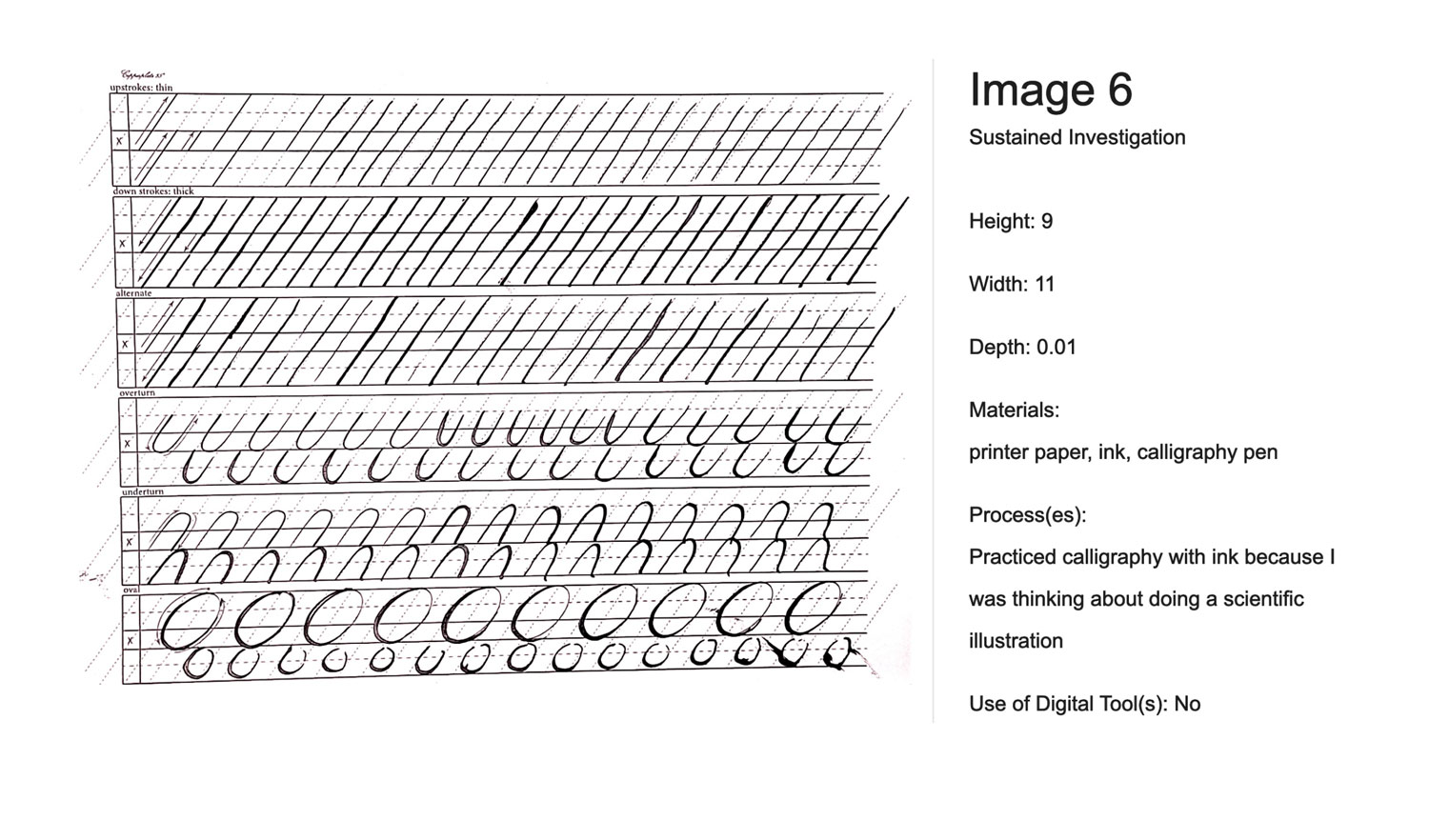
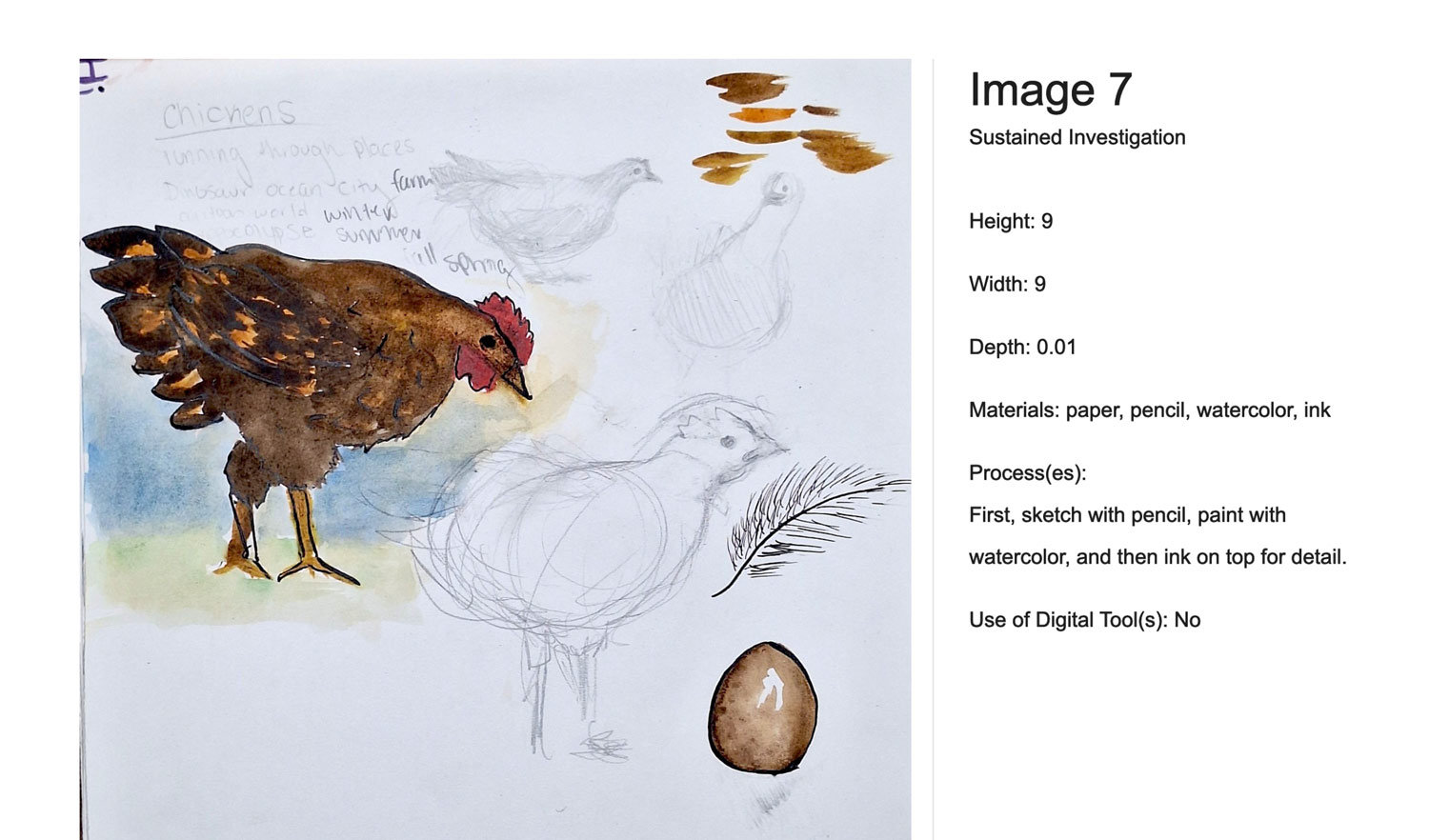
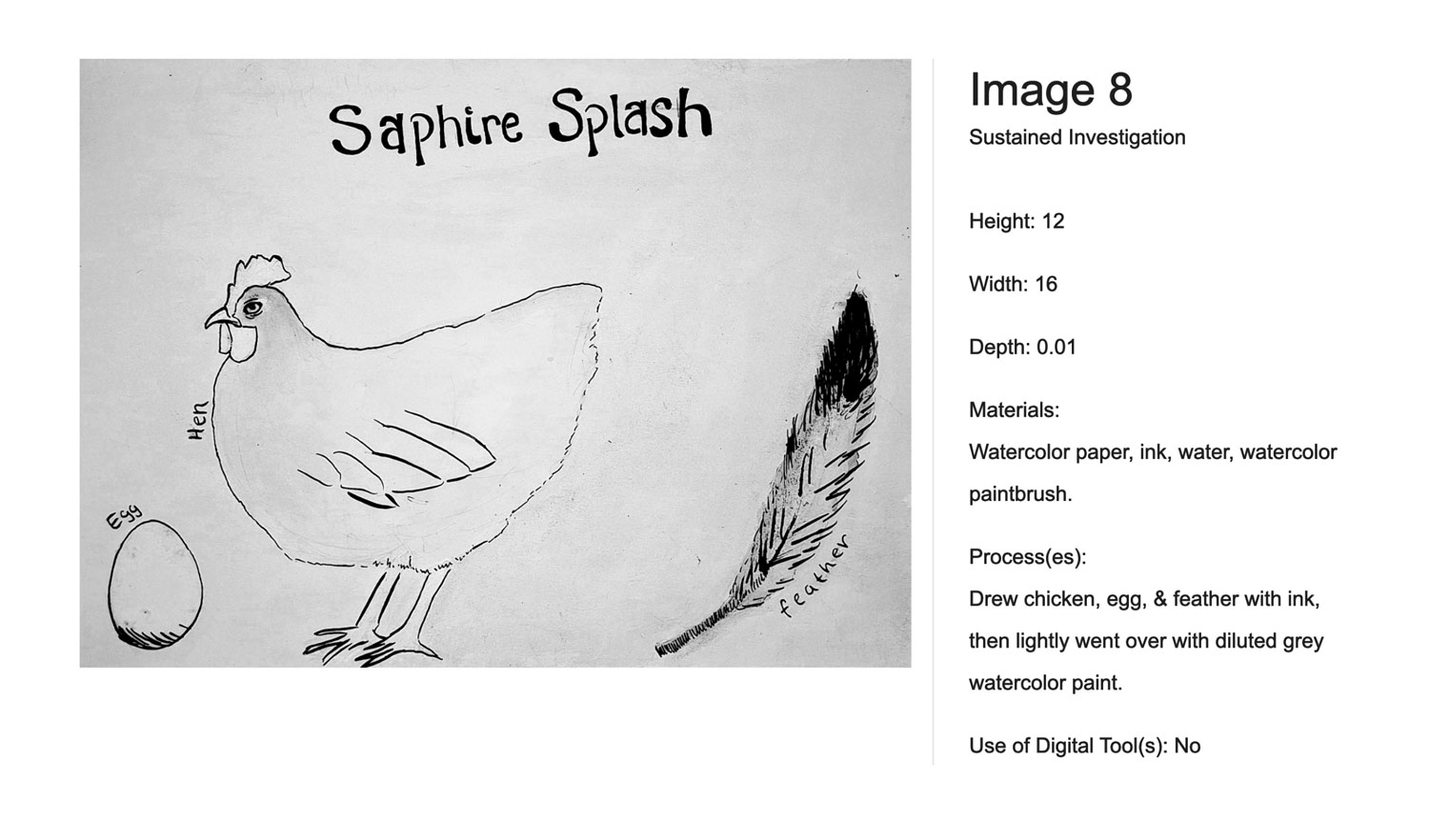
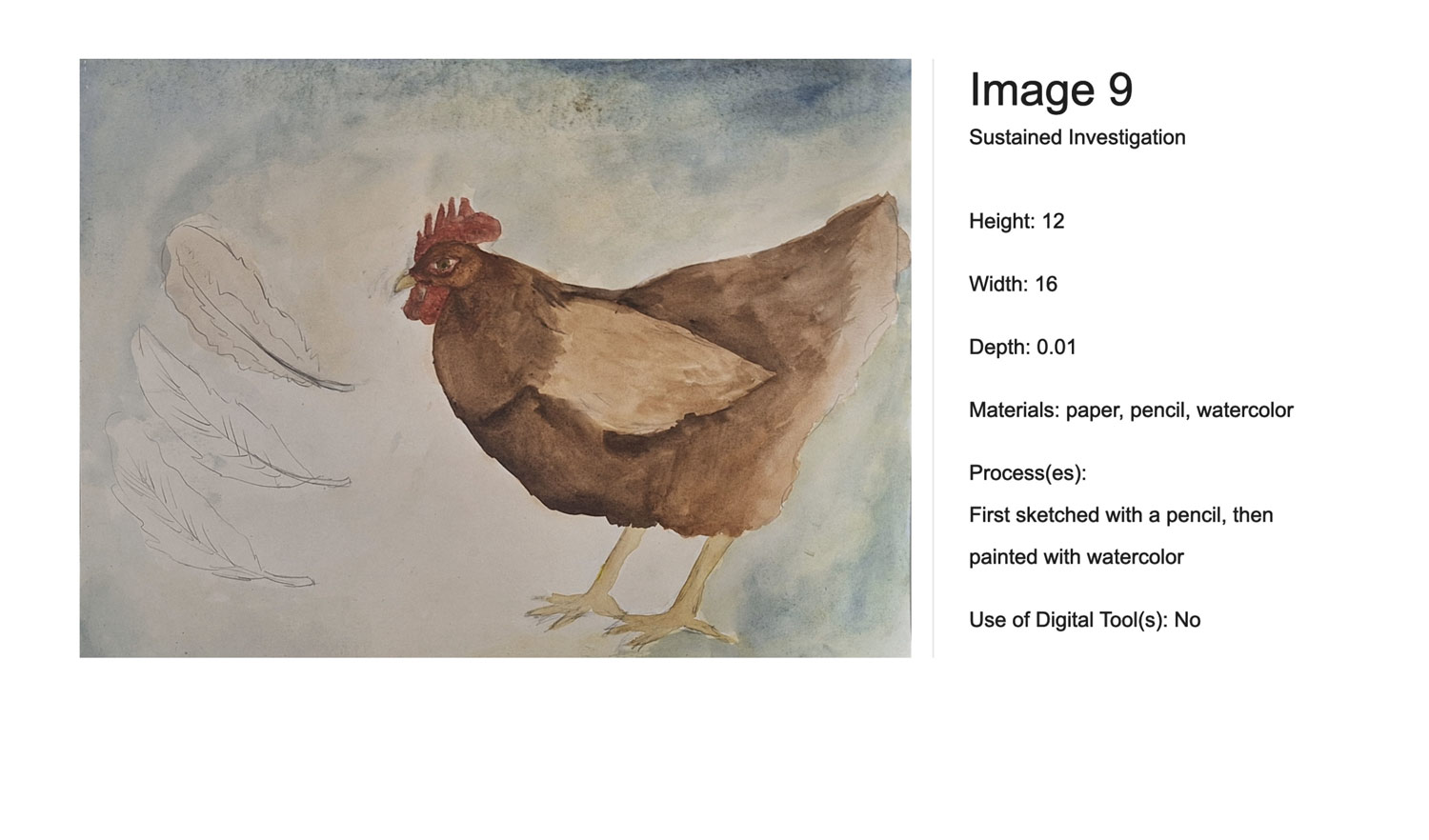
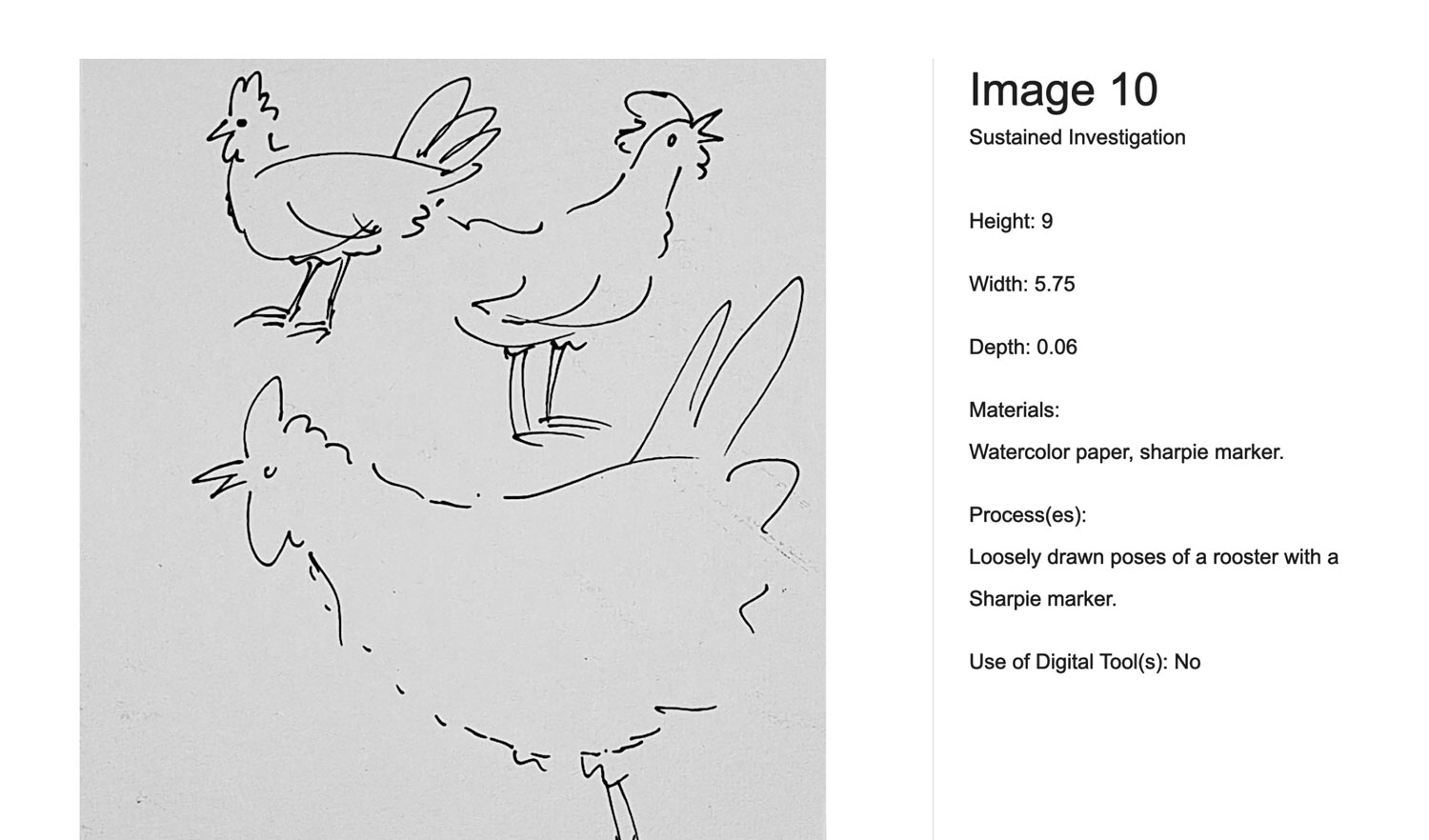
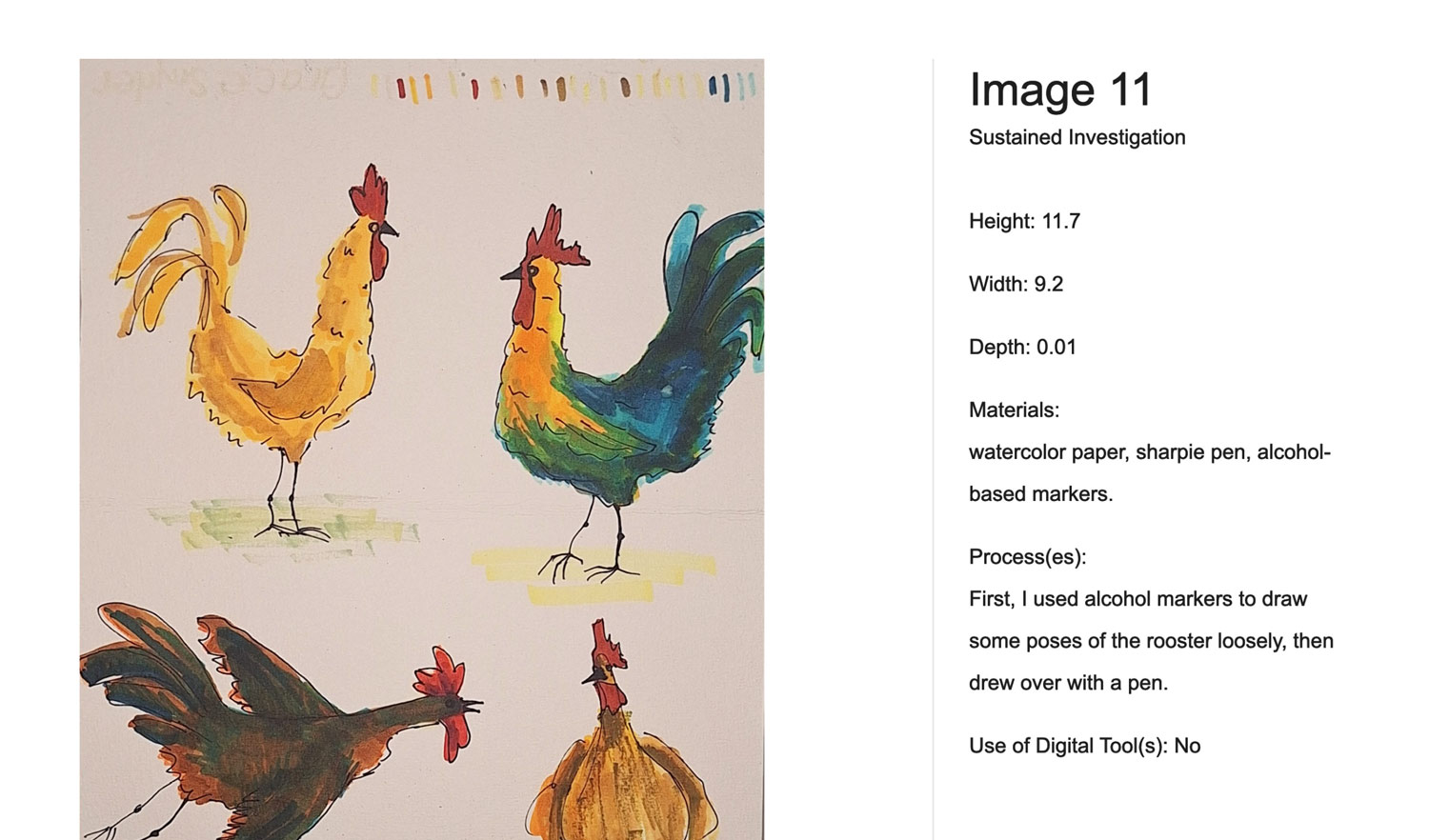
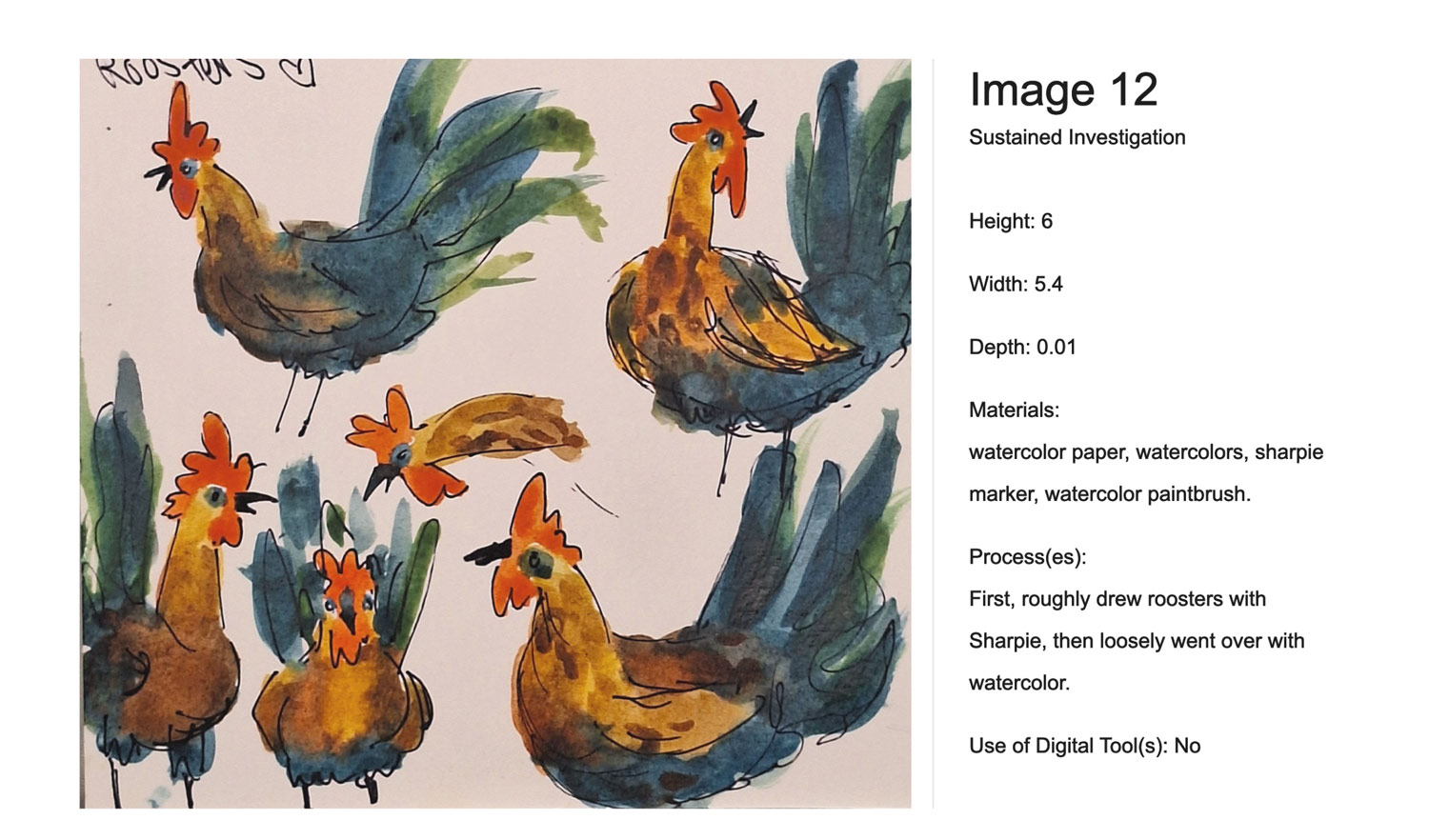
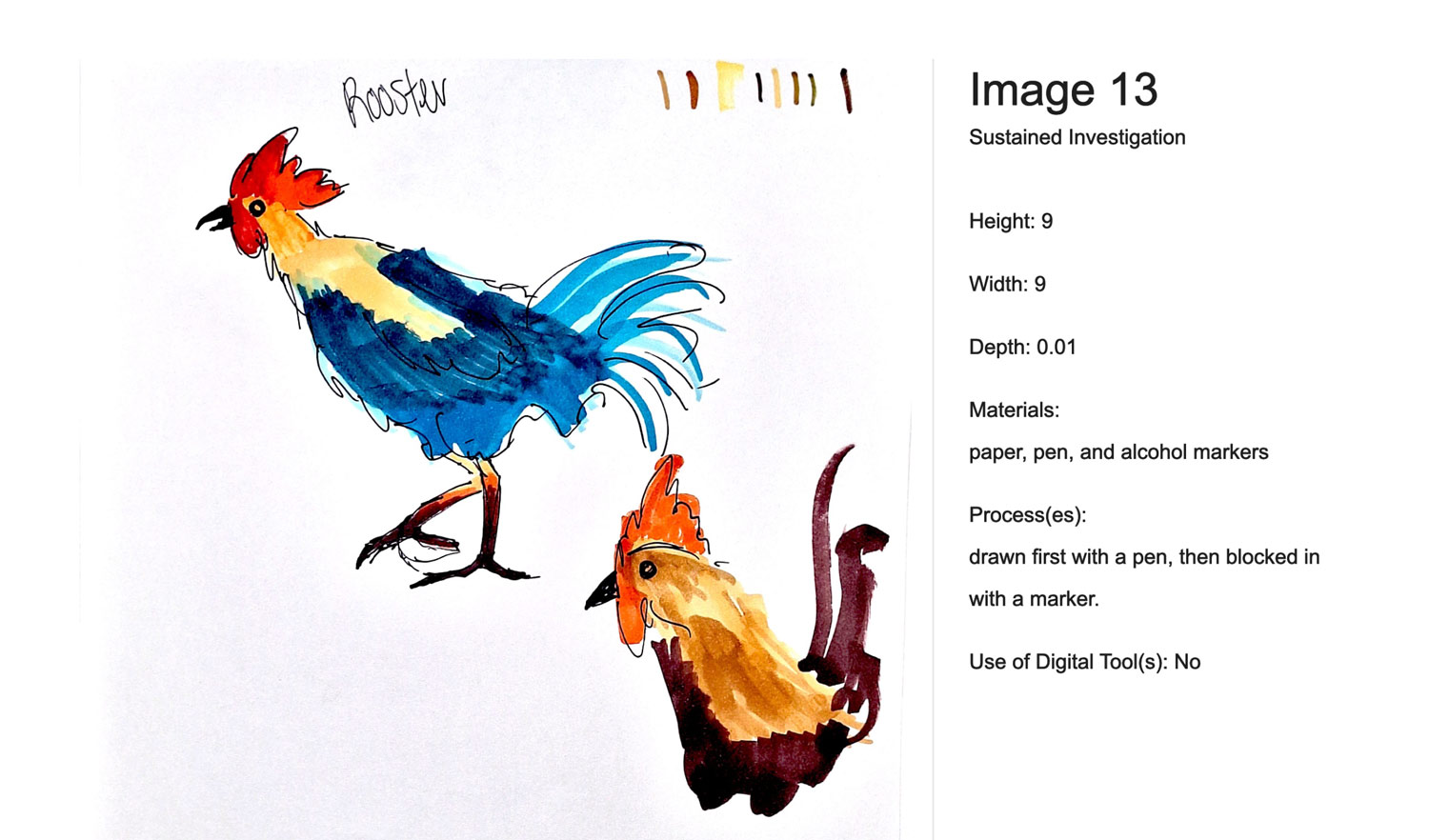
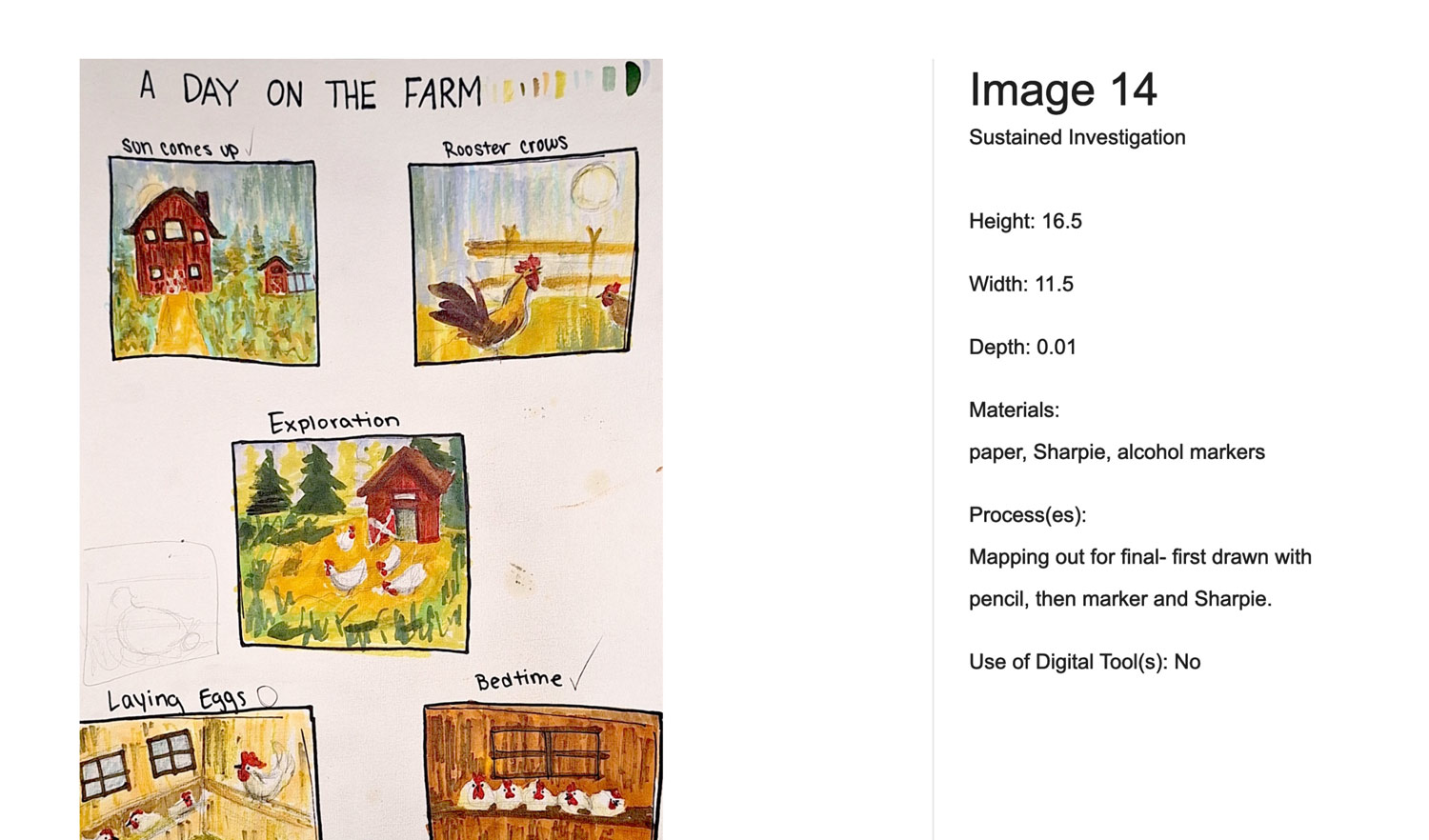
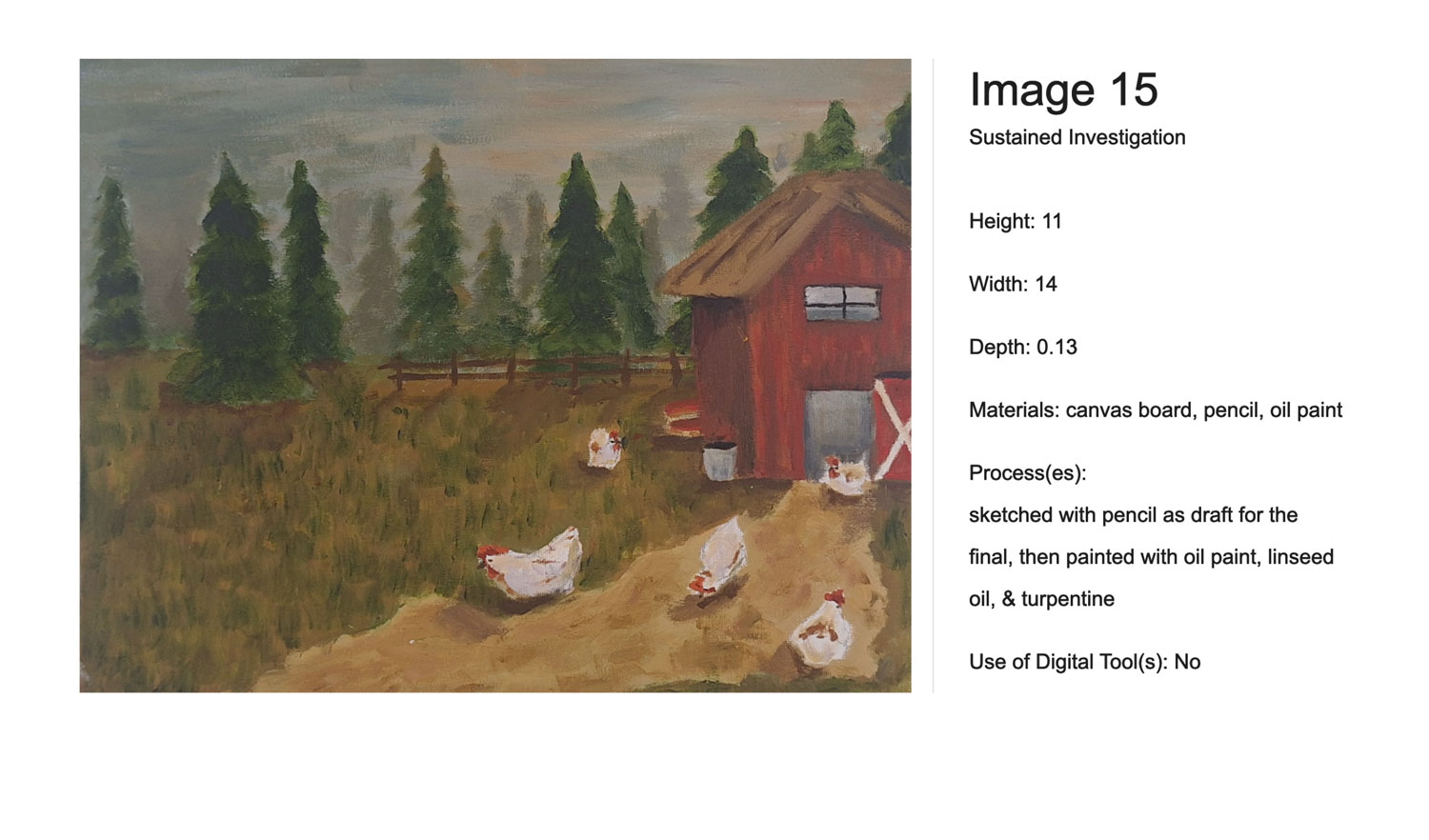
15 Images: These include finished artworks, process sketches, and detailed shots showing the development of ideas.
Documentation of Process: Images must demonstrate inquiry—how the work changed, improved, or responded to challenges (practice, experimentation, and revision).
Written Responses: Students must submit written answers that identify the inquiry, materials, processes, and ideas used.
Topic Flexibility: The topic can be conceptual, technical, or thematic (e.g., exploring light, identity, or complex narratives).
The SI is evaluated on a 3-point scale focused on:
- Inquiry: A clear, guiding question.
- Practice/Experimentation/Revision: Evidence of experimentation and technical skill improvement.
- Materials/Processes/Ideas: Effective synthesis of visual and conceptual choices.
The goal is to show a “sustained” investigation, meaning the work should not look identical but rather show a development or progression of a central theme.
Instructions
1. Open the Sustained Investigation page and select the Images tab.
You’ll see a template containing boxes with fields for information.
2. Upload images.
To upload an image, choose a box in the template and either drag your image into the box or click Upload.
3. Enter the materials and processes for each image.
Identify the following for each image:
- Materials used (100 characters maximum, including spaces).
- Processes used (100 characters maximum, including spaces).
- Dimensions (height x width [x depth, if applicable], in inches). For work that is flat, enter 0 for depth, if applicable. For images that document process or show detail, enter NA. For digital and virtual work, enter the size of the intended visual display.
- Image citation. When your artwork is inspired by or references another source, such as a photo, artwork, or still image, you must include a short citation to give credit, even if the source is copyright free or in the public domain.
In 100 characters or fewer (including spaces), note the type of use (e.g., reference, inspiration), title or description, and if known: creator’s name, year, and primary source link. - Any digital tools used (100 character maximum, including spaces).
entry example:
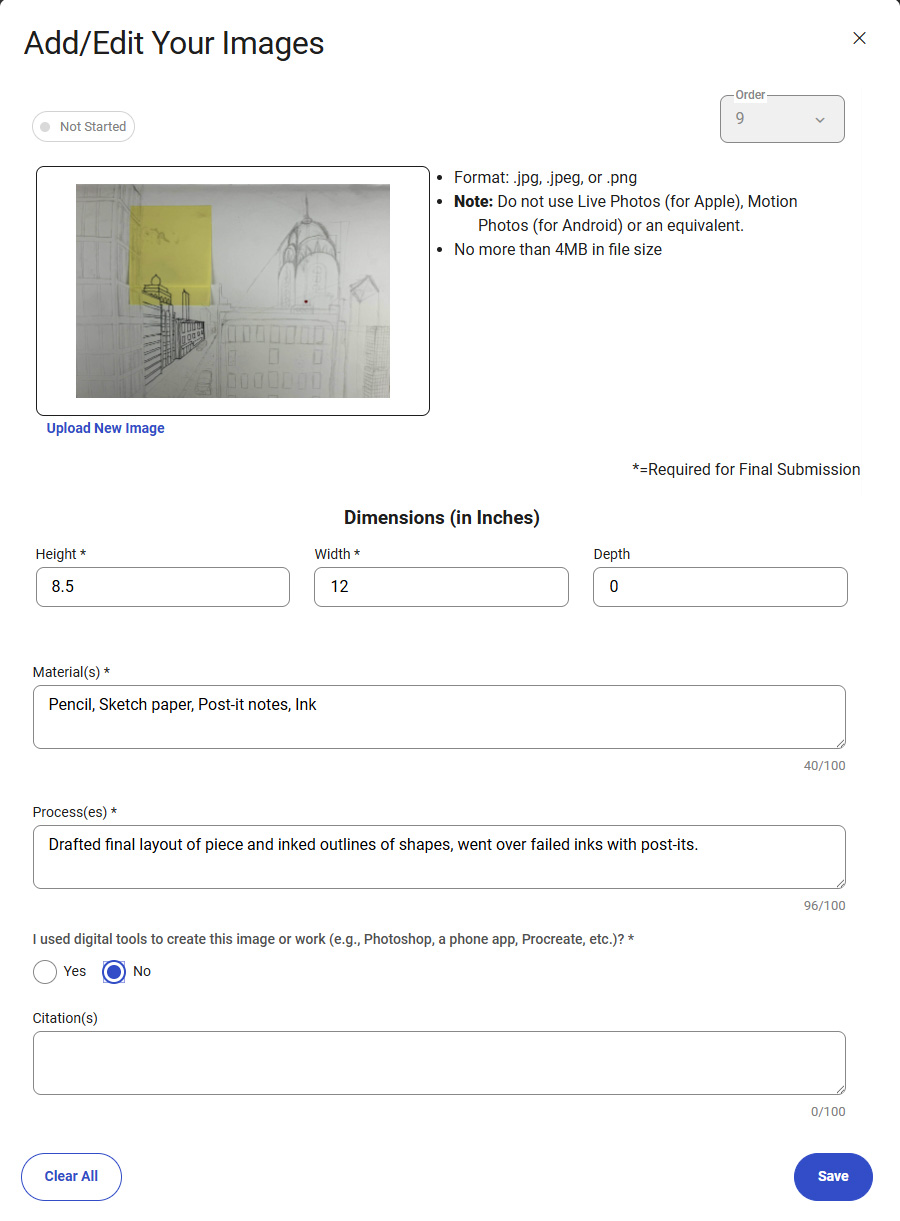
4. Replace or remove images as needed
To replace an image of a work, drag and drop or click Upload and select the new image file. To remove a work entirely from your Selected Works section, including information about the materials and processes, select Clear All X.
5. Reorder images as needed.
To rearrange your images, change the work number value under Work, or click the Reorder tab and drag the images into your preferred order.
6. Review your work.
Click on the Gallery tab to review a slideshow of your images, including the information you’ve entered for each image.
7. Remember to save changes before leaving.
Select Save before moving to another portfolio component.
8. Come back to this tab to view or edit your images.
You can make changes any time before you submit this portfolio component as final.
Example: