


Penguin
© JuliannaKunstler.com
WI State Standards:
- AA Cr11h
Plan: Formulate original concepts by practice, experimentation, and revision. (planning/experimentation) - AA Cr12h
Make: Create works of art that introduce students to media, care of tools, and basic craftsmanship skills.
(skills) - AA Pr10h
Develop meaning: Create s body of work incorporating personal, historical, and contemporary art to communicate one or morepoints of view.
(aesthetics / communication)
Learning objectives
- planning and executing
- shape drawing and modifying
- pathfinder panel options
- object arrangement
- freehand drawing with Pen tool
- object opacity
- custom gradients
- blur effect
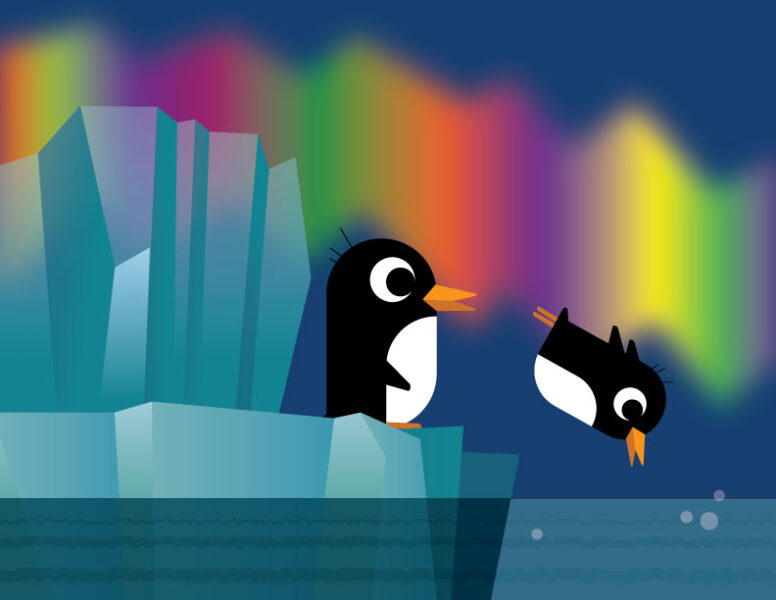
Recreate the image below using Adobe Illustrator.
Plan your steps to be most efficient.
Elements to include:
- iceberg and other ice formations
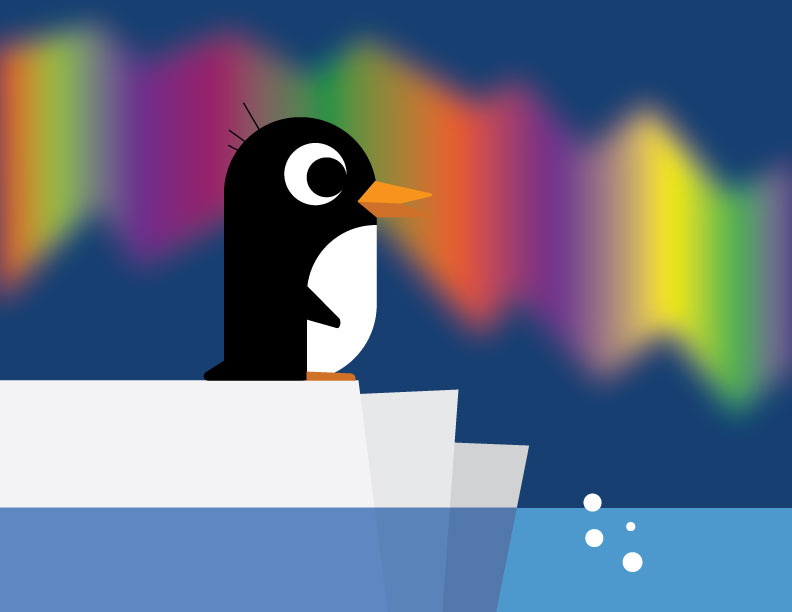
- at least one penguin (see suggestions below)
- northern lights
- water
- any additional details
reference images
click to see details

click to see details
STEPS

Concider starting with a rectangle and rounding the three corners (three anchor points).

Use Pen tool, other shapes, and Pathfinder panel for the rest of the details.

Add ice.
You can create an illusion of translucency of the ice forms and water by experimenting with Opacity, gradients, and Blending modes.


Northern lights:
Start with a custom gradient

Apply Gausian Blur effect
Expand the scene, add more details, be creative!
idea credit: design.tutsplus.com