


Monsters
WI State Standards:
- AA Cr11h
Plan: Formulate original concepts by practice, experimentation, and revision. (planning/experimentation) - AA Cr12h
Make: Create works of art that introduce students to media, care of tools, and basic craftsmanship skills.
(skills) - AA Pr10h
Develop meaning: Create s body of work incorporating personal, historical, and contemporary art to communicate one or morepoints of view.
(aesthetics / communication)
Learning objectives
- creative project: planning and executing
- making selections
- editing tools
- matching elements
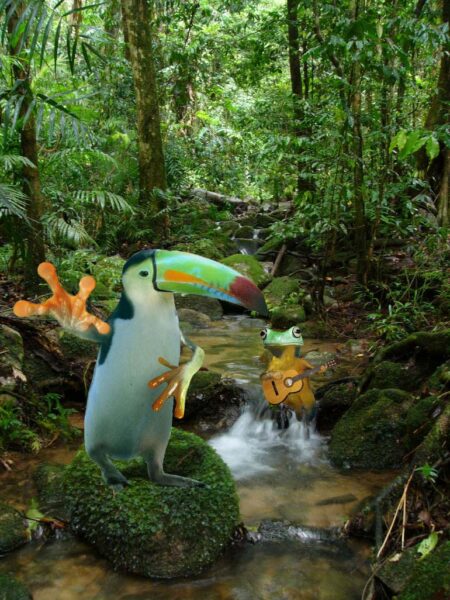
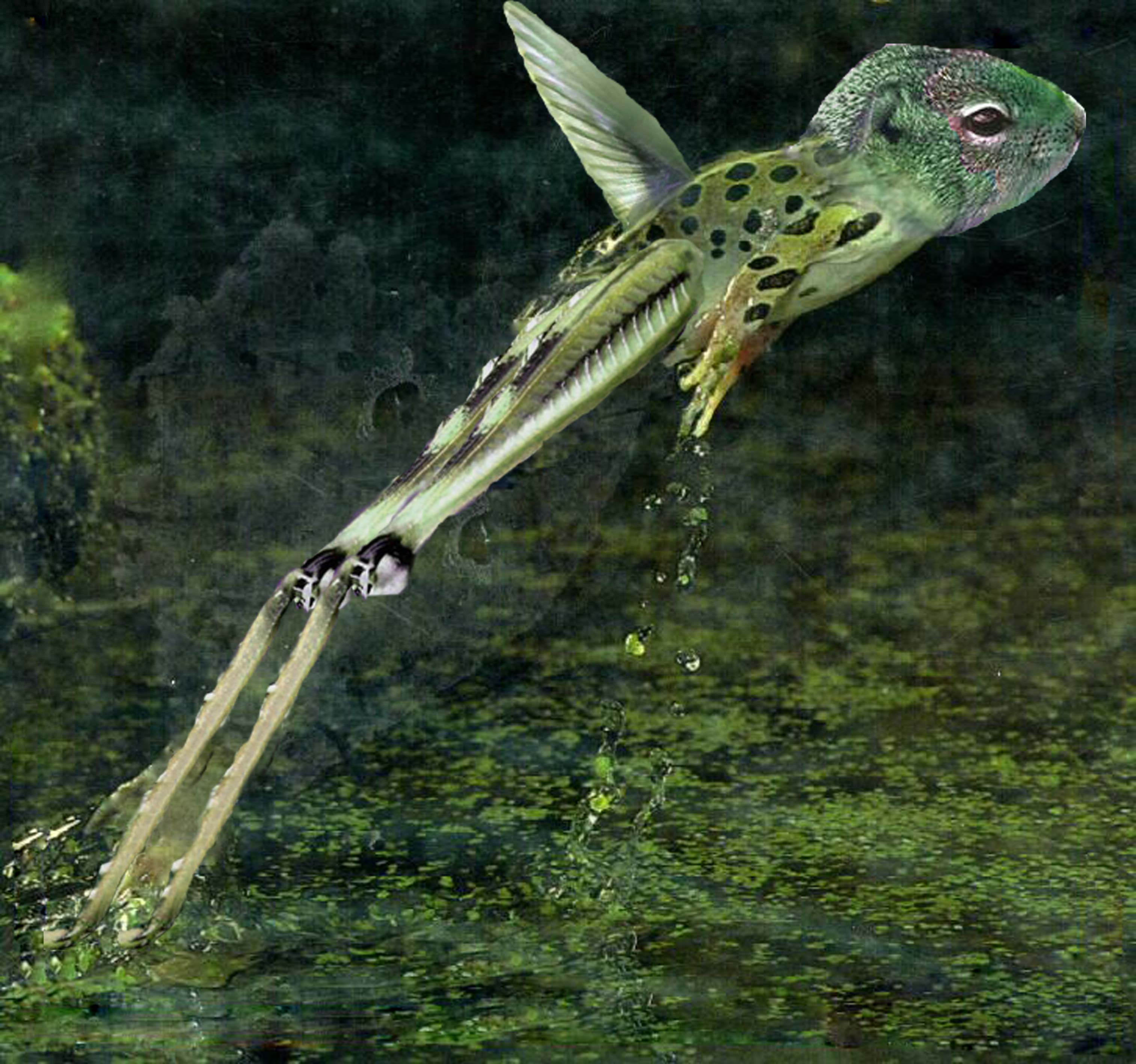
1. Choose at least 4 animal photos. Combine the pictures into a single creature.
2. Blending should be seamless.
3. The colors and textures should blend gradually.
4. The final creature should look realistic.
5. Add a drop shadow.
examples



STEPS
Step 1 – photos
Find 4 photos of different animals.
Make sure they are good quality, facing the same direction, light source is consistent.
Different types of animals work better for this assignment:
Ex:
mammal + bird + reptile + insect
Do not combine similar animals (horse and zebra).
Step 2 – backgrounds
Remove each background.
Use any method you think appropriate.
Save all 4 files.
Step 3 – combining
Create a new file: Letter size (8.5"x11"). Resolution: at least 150 ppi
Start working with combining two photographs at a time.
Then add another photographs.
Colors and textures, contrast and lighting should transition smoothly or match.
Step 4 – background
Place a background behind the creature.
Adjust colors and lighting to make the creature "belong" to this environment.
Place a shadow (or a reflection) to make it look more realistic.
Step 5 – finishing touches
shadow:
Make a selection of your monster. (Use any method. For example, you can duplicate all layers and merge them, then make a selection).
Fill in with black.
Blur the edges (Filter > Blur > Gaussian Blur)
Place the layer at the bottom.
Edit > Transform > Distort, Warp, etc.
Manipulate the shadow to match the light source in your background.
Add other details if necessary.